


Fanless vs Fan-Cooled Mini PC: Which Is Better for 24/7 Use?
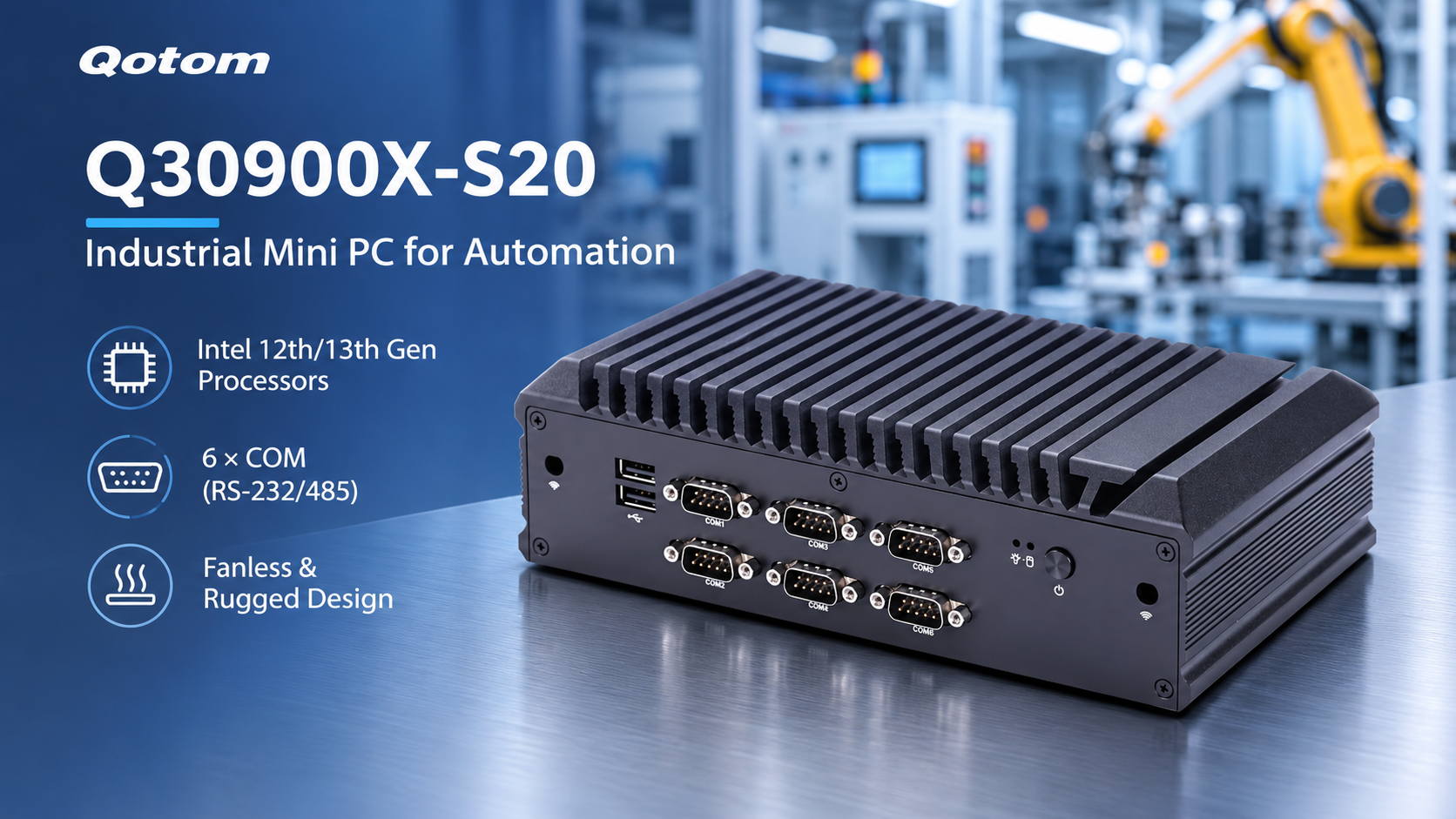
When choosing a mini PC for continuous operation, cooling is just as important as processor performance, memory, and connectivity.
Fanless mini PCs are popular for their quiet operation and low maintenance. Fan-cooled systems, meanwhile, can provide greater thermal headroom for demanding workloads.
So which cooling design is better for an industrial computer, home lab, or NAS?
1. How Does a Fanless Mini PC Stay Cool?
A fanless mini PC relies on passive cooling. Heat moves from the processor through thermal materials into a metal chassis, where it dissipates into the surrounding air.
Many Qotom industrial mini PCs use aluminum alloy enclosures with external cooling fins to increase surface area.
Fanless designs offer several advantages:
Silent operation: No cooling fan noise.
Fewer moving parts: No fan bearings or motors to wear out.
Reduced dust intake: No fan-driven airflow through the enclosure.
Flexible installation: Suitable for quiet offices, control cabinets, and unattended terminals.
However, fanless does not mean heat-free. The enclosure may become warm during operation, and sufficient clearance is necessary for heat dissipation.
2. When Is Active Cooling a Better Choice?
Fan-cooled mini PCs use internal fans to move air across heat-producing components.
This approach can be beneficial when a system runs sustained CPU-intensive workloads, uses multiple storage devices, or operates in a compact enclosure with limited passive cooling capacity.
Typical applications include virtualization servers, all-flash NAS systems, and demanding edge-computing workloads.
Active cooling can help maintain stable component temperatures, but fans introduce additional noise, dust accumulation, and maintenance requirements.
A fan-cooled mini PC is not automatically faster than a fanless model. Performance depends on the processor, cooling design, power limits, and operating conditions.
3. Fanless vs Fan-Cooled: Key Differences
| Feature | Fanless Mini PC | Fan-Cooled Mini PC |
|---|---|---|
| Cooling method | Passive heatsink/chassis | Forced airflow |
| Noise | Silent cooling | Fan noise possible |
| Maintenance | No cooling fan to service | Periodic fan and dust checks |
| Thermal capacity | Depends on chassis and ambient temperature | Often better for sustained high heat loads |
| Common uses | Industrial control, networking, office | NAS, virtualization, heavier workloads |
For a low-power network appliance or industrial control terminal, a properly designed fanless system may be sufficient.
For a storage server with several SSDs or a higher-performance processor, active cooling may offer useful thermal headroom.
4. What Matters Most for 24/7 Operation?
Neither cooling method guarantees reliable continuous operation by itself.
Before choosing a Qotom mini PC, consider:
Processor power consumption: Higher sustained power generally produces more heat.
Ambient temperature: A hot equipment cabinet reduces cooling effectiveness.
Installation clearance: Avoid blocking heatsinks or ventilation openings.
Storage temperatures: SSDs can throttle when operating temperatures rise.
Workload intensity: Occasional office tasks differ from continuous virtualization or storage activity.
For industrial deployments, also check the specified operating-temperature range and whether the chosen configuration uses passive or fan-assisted cooling.
The right choice is the system that can maintain safe operating temperatures under your actual workload—not simply the one with or without a fan.