


4 M.2 SSD Slots vs 4 SATA Bays: Which Mini PC Is Better for a NAS?
Building a NAS with a Mini PC starts with an important hardware decision: should you choose multiple M.2 NVMe SSD slots or traditional SATA drive bays?
Both designs can support network storage, backups, and shared files. However, their capacity, expansion options, cooling requirements, and cost per terabyte can differ significantly.
For buyers comparing Qotom NAS Mini PCs, understanding these differences is more useful than simply counting storage interfaces.
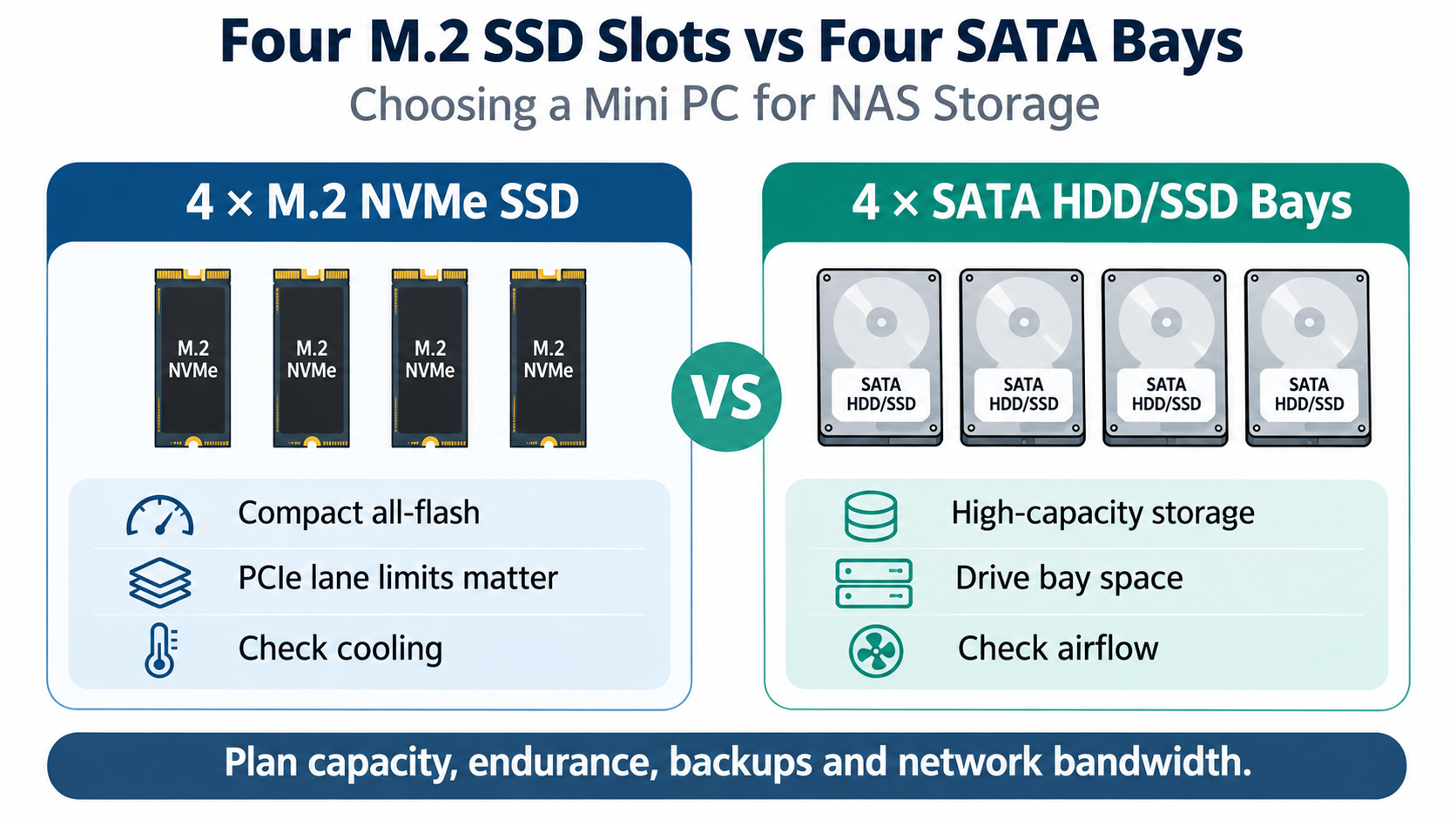
1. Four M.2 SSD Slots: Compact All-Flash Storage
An M.2-based NAS is attractive when physical space, low storage latency, and fast random I/O matter.
NVMe SSDs connect through PCIe, allowing multiple workloads to access storage without the mechanical delays associated with hard drives.
This can benefit virtual machine storage, application databases, and frequently accessed project files.
However, four M.2 slots do not automatically mean four PCIe ×4 connections.
For example, the Q31100G4-S17 supports four M.2 SSD slots with different PCIe lane allocations:
2 × M.2 PCIe 3.0 ×2
2 × M.2 PCIe 3.0 ×1
It also features Intel 11th Gen Tiger Lake processor options, four Intel I226-V 2.5GbE ports, and up to 64GB DDR4 memory.
This makes it a candidate for compact all-flash NAS and storage-oriented virtualization deployments, provided the selected SSDs and software meet the workload requirements.
The system uses fan-assisted cooling, which is particularly relevant when multiple SSDs operate continuously.
2. Four SATA Bays: Prioritizing Storage Capacity
A SATA-based NAS takes a different approach.
Instead of maximizing compact solid-state storage, it provides space for larger 2.5-inch or 3.5-inch drives.
The Q30900DS-S14 supports four SATA 3.0 drive connections and two M.2 SSD slots. Its chassis accommodates four 3.5-inch HDDs or four 2.5-inch HDDs/SSDs.
Other specifications include:
Intel 8th/10th Gen U-series processor options
Four Intel I225-V/I226-V 2.5GbE ports
Up to 64GB DDR4 memory
M.2 PCIe 3.0 ×4 and ×1 storage connections
This arrangement is useful for file archives, workstation backups, media libraries, and shared business storage where total capacity is more important than minimum latency.
HDD-based systems require attention to vibration, drive temperatures, airflow, and power consumption. The Q30900DS-S14 uses fan-assisted cooling.
3. M.2 vs SATA NAS: Practical Comparison
Requirement | 4×M.2 SSD NAS | 4×SATA Bay NAS |
|---|---|---|
Storage capacity per dollar | Usually higher cost | Usually lower with HDDs |
Random I/O latency | Lower | Higher with HDDs |
Physical footprint | Compact | Larger chassis |
Drive noise | No mechanical drive noise | HDD noise and vibration |
Typical workload | VMs, databases, active files | Backups, archives, bulk storage |
Main consideration | PCIe lanes and SSD thermals | Drive cooling and capacity |
Actual performance depends on SSD or HDD models, RAID configuration, filesystem, network bandwidth, and workload.
A 2.5GbE connection provides a nominal 312.5MB/s line rate. This means even a fast NVMe array may not deliver its full local storage bandwidth to a single client over one 2.5GbE link.
Multiple clients, additional network interfaces, and different storage workloads can change the overall picture.
4. How to Choose the Right Qotom NAS Mini PC
Choose an M.2-focused Mini PC when compact dimensions, responsive storage, and simultaneous application workloads are priorities.
Choose a SATA-bay NAS when storing large amounts of data economically is the main objective.
Before purchasing, calculate usable capacity after redundancy. Four 4TB drives in a single-parity configuration, for example, provide approximately 12TB of nominal usable capacity before filesystem overhead and unit conversion.
Also remember that RAID is not a backup. Important files still need a separate backup destination and recovery plan.
For Qotom buyers, the Q31100G4-S17 and Q30900DS-S14 represent two distinct storage designs rather than interchangeable NAS solutions.
The best choice depends on whether your workload values storage density, capacity, latency, or expansion flexibility most.